📌 Key Takeaways
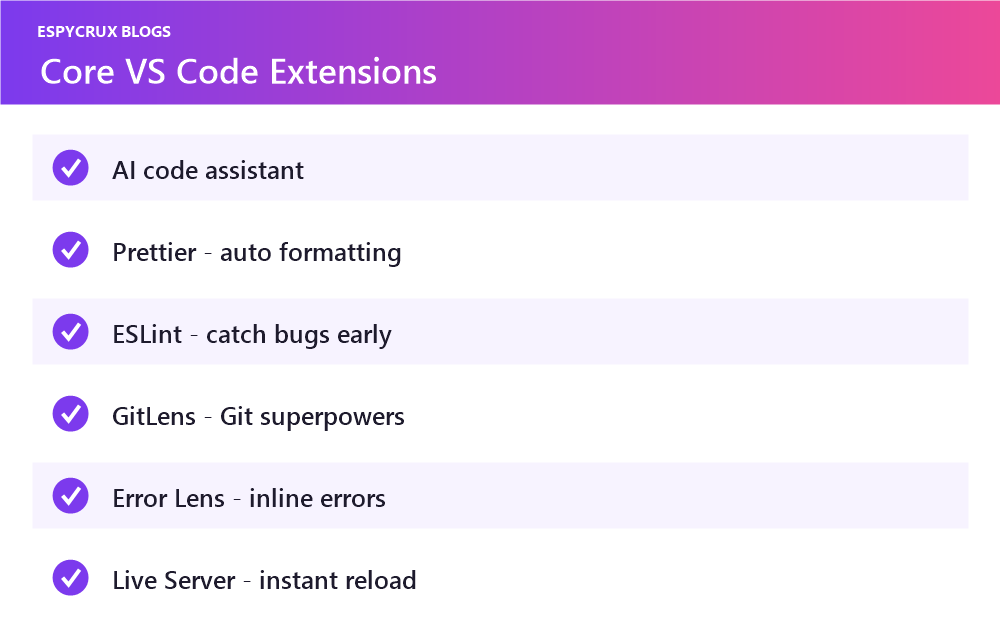
- A lean, well-chosen set beats dozens of extensions.
- Start with Prettier, ESLint, GitLens and an AI assistant.
- Error Lens and Live Server speed up the debug and build loop.
- Prune quarterly to keep the editor fast.
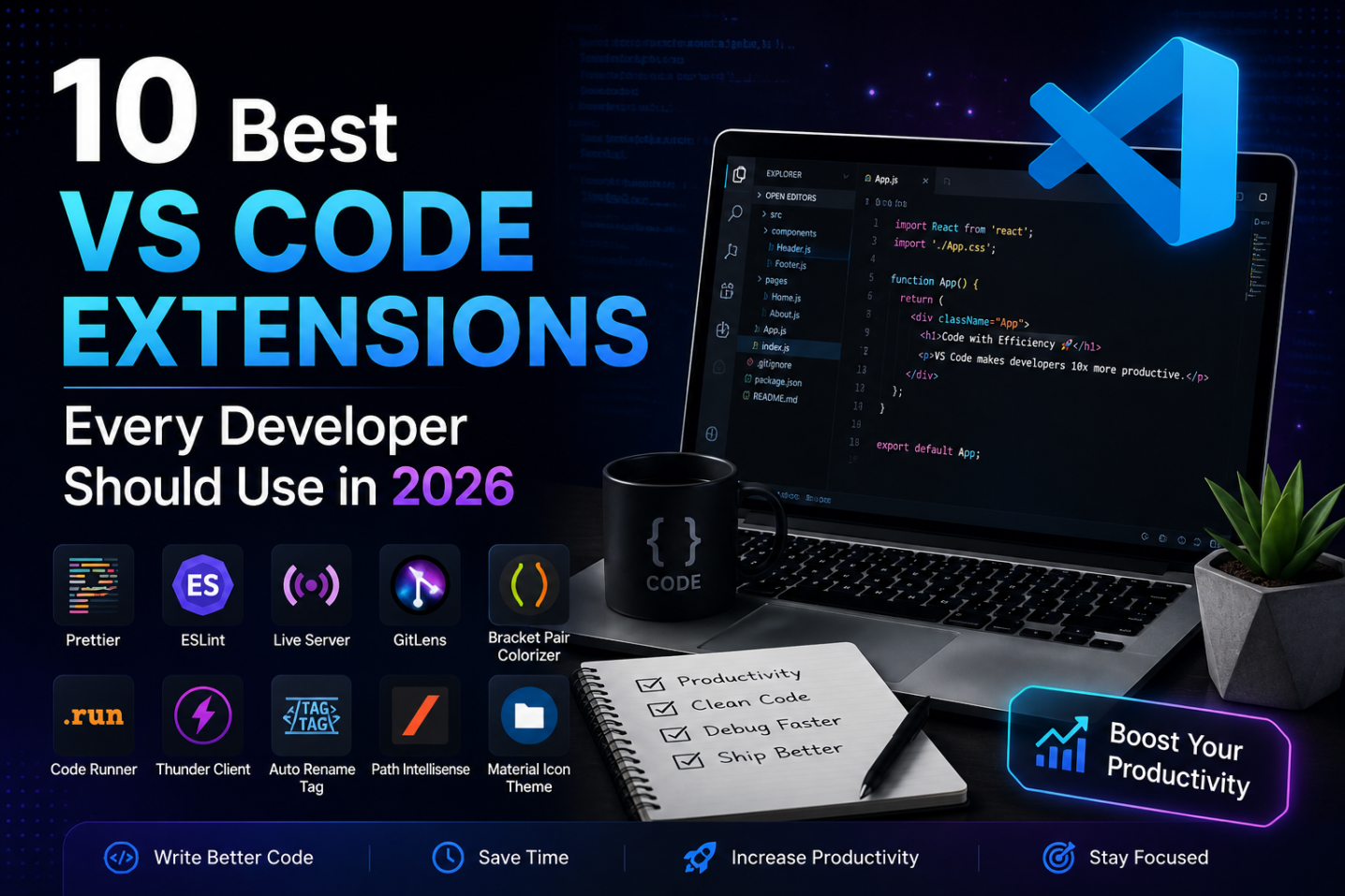
The right VS Code extensions turn a good editor into a coding superpower. But with thousands to choose from, it is easy to bloat your setup with tools you never use. This list cuts through the noise with 10 extensions that genuinely earn their place in 2026 — for cleaner code, faster workflows, and fewer bugs, whatever language you write.
1. GitHub Copilot / AI Code Assistant
AI pair-programming is now table stakes. A good AI assistant autocompletes whole functions, explains unfamiliar code, and writes tests from a comment. It will not replace understanding your code, but it removes an enormous amount of boilerplate and lookup time.
2. Prettier
Stop arguing about formatting. Prettier auto-formats your code on save to a consistent style, so every file in your project looks the same no matter who wrote it. Set it once and never think about spacing again.
3. ESLint
ESLint catches bugs and bad patterns as you type, before they ever run. Paired with Prettier, it keeps JavaScript and TypeScript projects clean and consistent. The inline warnings alone will make you a sharper developer.
4. GitLens
GitLens supercharges Git inside VS Code. See who last changed a line and why, explore file history, and compare branches without leaving the editor. For anyone working on a team, it is close to essential.
5. Error Lens
By default, VS Code tucks errors away in the Problems panel. Error Lens puts them inline, right next to the offending code, in a color you cannot miss. It is a small change that dramatically shortens the debug loop.
6. Path Intellisense
Autocompletes filenames and paths as you type imports. It sounds minor until you have it — no more typos in import statements or guessing relative paths in a deep folder structure.
7. Live Server
Launch a local development server with live reload in one click. Save your HTML, CSS, or JS and watch the browser refresh instantly. Perfect for front-end work and quick prototypes.
8. Thunder Client
A lightweight REST API client built right into VS Code — a clean alternative to heavier standalone tools. Test endpoints, inspect responses, and organize requests without switching apps.
9. Better Comments
Color-codes your comments by type — alerts, questions, to-dos, and highlights — so important notes actually stand out. It makes large files far easier to navigate and keeps your intentions visible.
10. Material Icon Theme
Not just cosmetic: distinct file and folder icons help you scan a project tree instantly. When every file type has a recognizable icon, you find what you need faster.
How to Choose Your Own Stack
- Install with intent — every extension adds a little startup overhead. Keep only what you use.
- Match your language — layer language-specific extensions (Python, Go, Rust) on top of these universals.
- Review quarterly — prune the ones you stopped using.
Final Thoughts
You do not need fifty extensions to code well — you need the right handful. Start with Prettier, ESLint, GitLens, and an AI assistant, then add the rest as your workflow demands. A lean, well-chosen setup keeps VS Code fast and your focus where it belongs: on writing great code.
Frequently Asked Questions
Yes — each adds startup overhead, so keep only what you actively use.
The core ones are free. Some AI assistants have free tiers with paid upgrades.
Layer them on top of these universals for your stack, such as Python or Go.